SmoothApply

Sign in to save your resumes

or
Don't have an account?
Free to build, free to download

Free resume builder

No watermark, no credit card. Customize 90+ ATS-friendly templates, use the AI writing tools, and download your resume as PDF or Word. A free account saves it for later.

100% free
No account required to start

At a glance

What is free on SmoothApply, and what is not

SmoothApply is free to build and download resumes. The only paid feature is AI writing.

Downloads

PDF, Word (DOCX) and TXT, unlimited, no watermark. A free account is needed to save and download; no credit card is asked for. See a sample PDF and a sample Word file exported from a free account.

Templates

93 templates, all on the free plan, with inline editing and control of layout, fonts, spacing and colors.

Cost to build and download

$0. There is no trial attached to the free plan and nothing to cancel.

The only paid feature

Unlimited AI writing, tailoring and job match: $2.95 for a 14-day trial, then $19.95 a month, cancel anytime. Free accounts get 25 AI credits. Paid or not, downloads stay free.

Also free

A cover letter builder that matches your resume, a job application tracker, and an ATS resume checker that needs no signup.

Bring an existing resume

Import a LinkedIn profile PDF, an Indeed resume, any PDF or Word resume, or a photo of a printed one, and rebuild it in a clean template.

BuilderFree downloadTrialRenews at
SmoothApplyPDF and Word, unlimited, no watermarkNone neededDownloads stay free
ZetyPlain text only$1.95 for 14 days$25.95 every 4 weeks
Resume.ioPlain text only$2.95 for 7 days$29.95 every 4 weeks
MyPerfectResumePlain text only$2.95 for 14 days$23.95 every 4 weeks
Resume GeniusPlain text only$2.95 for 14 days$23.95 every 4 weeks

US prices as of September 2026, from each company's pricing page. Sources and six more builders on the full comparison.

Details on what is free, pricing, and which resume builders charge at the download button.

Templates

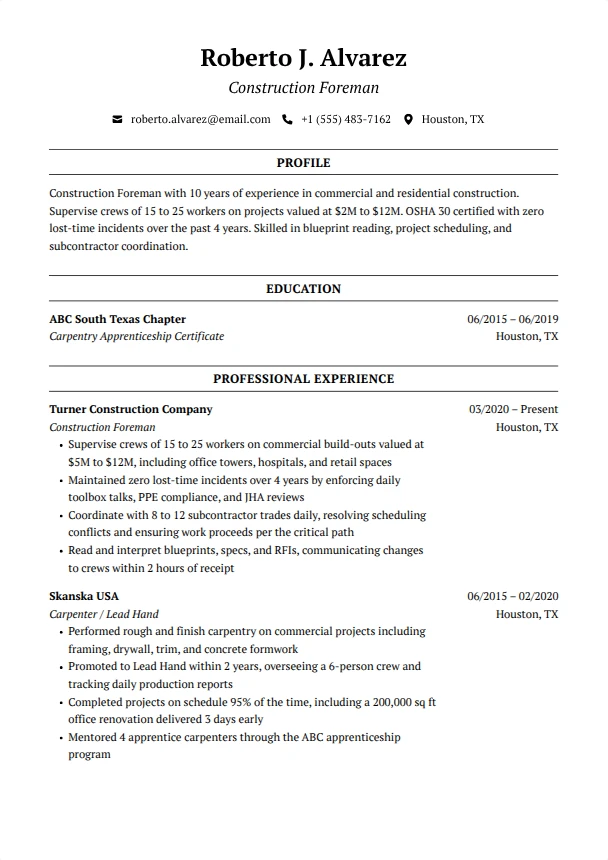
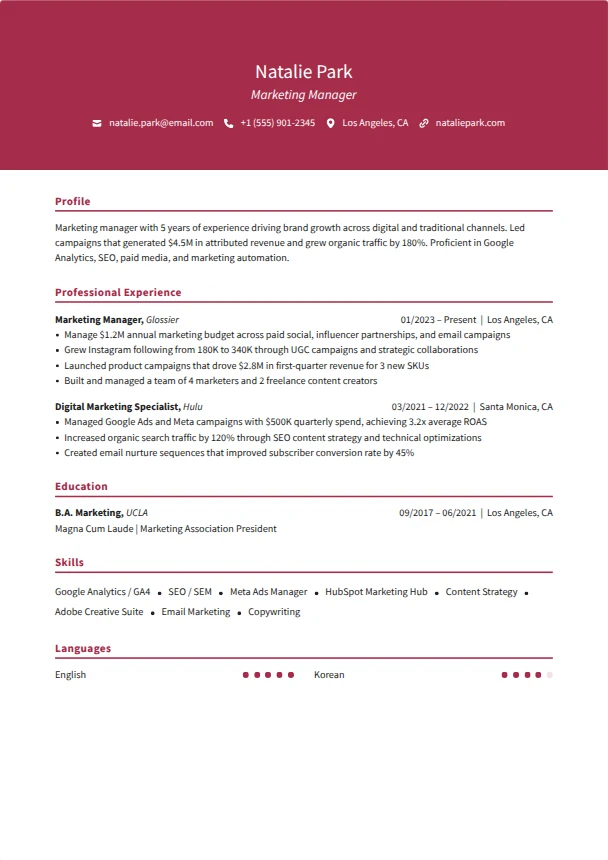
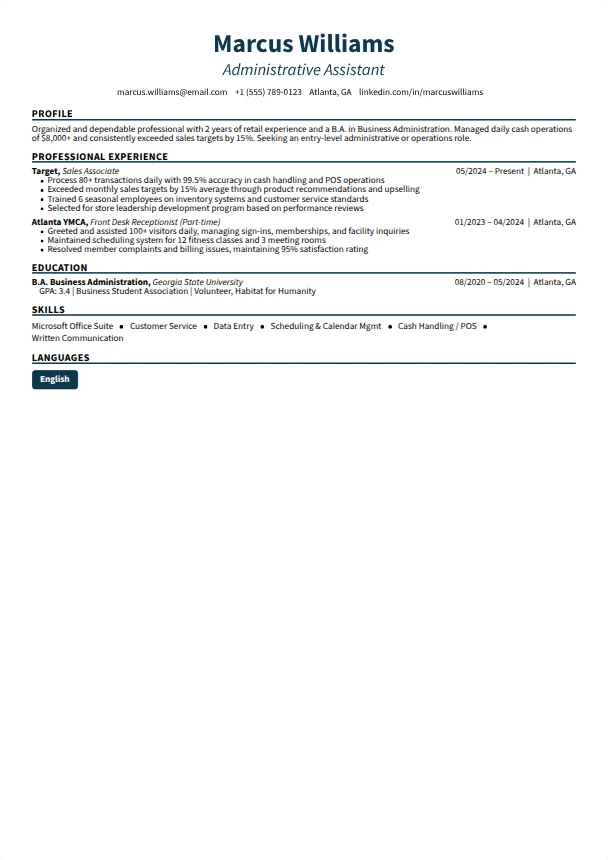
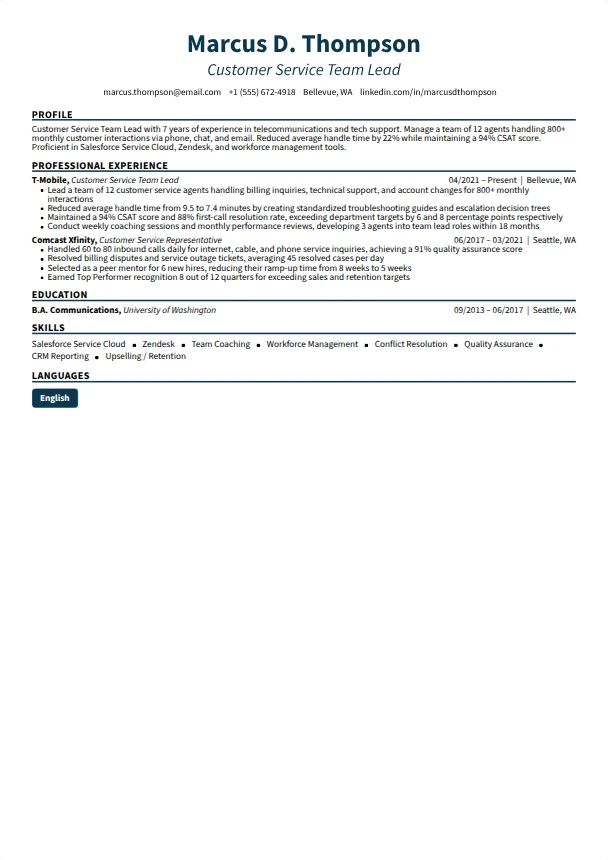
Choose a template to build your resume

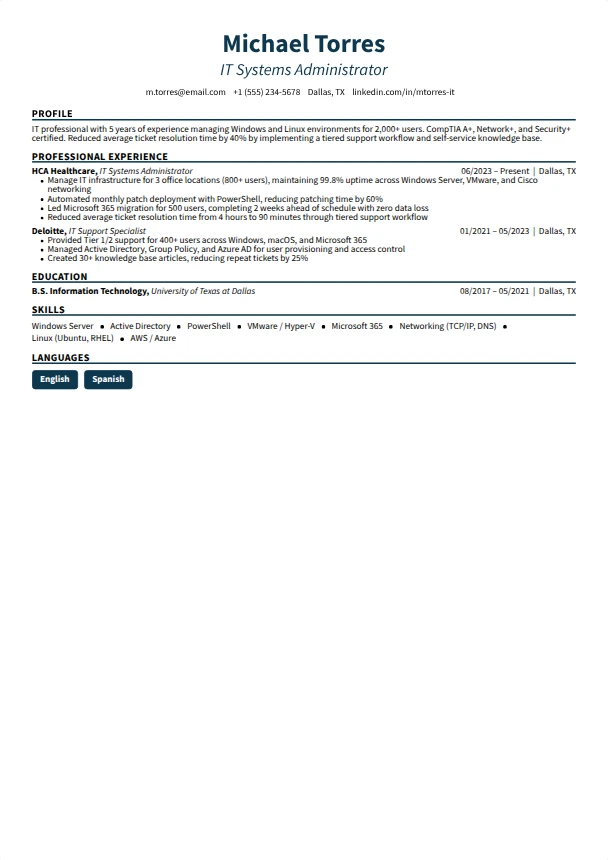
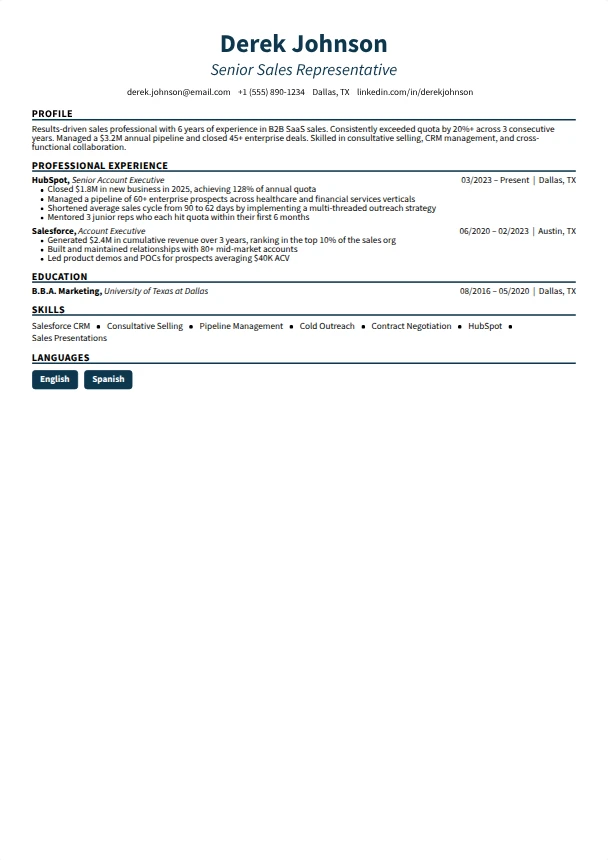
Every template is free to use and customize. Upload your existing resume to carry your details over, or start fresh and fill it in section by section.

1 to 4 of 20 templates
Check out what it can do

Many ways to customize

Click directly on your resume to edit. Switch templates instantly. Download as PDF or DOCX for free.

smoothapply.com/resume-builder
Feedback

Rated 4.8 out of 5 by people who downloaded.

Every rating below was left at the download button by a real user. Comments are shown as written.

4.8 / 5
Average download rating
165 ratings, as of October 2026
86%
Five-star ratings
59 of 69 people gave the top score
93
Templates, every one free
PDF and Word downloads, no watermark

"Its easy to use. Has many features and customization. AI is very helpful. A+"

Dan M.

"Very good experience."

Sanjeev S.

"That is very fantastic."

Jiranatr B.

Read examples if you need help

Free guides with tips, keywords, and sample resumes for your field.

  1. Pick the closest exampleEach guide has a full sample resume and the keywords employers use.
  2. Lead with coursework and projectsWhat to list when there is no job history yet.
  3. Open it in the builderOne click loads the sample so you edit instead of starting blank.

Student and first-job resume guides

More in this field: Entry level, Internship

Start from an example

Free guides for your field

Each guide has a full sample resume, the keywords from current job postings, and the mistakes that get a resume skipped. Reviewed against new postings every few weeks.

Read more guides

Recently updated guides

The pages we rebuilt or re-checked most recently.

More resources to land the job

ATS Resume Checker

Upload your resume and get a score with the sections that need work before an applicant tracking system sees it.

Go to the resume checker →
Resume being scored by the ATS checker 68Resume strength ✓Skills !Work history (2)
Drop your resume or choose a file Upload resume PDF, DOCX and TXT. Free, no account needed.

Cover Letter Builder

Write a matching cover letter from the same resume data, with the same templates and fonts.

Go to the cover letter builder →

Job Tracker

Keep every application, contact and follow-up in one place instead of a spreadsheet.

Go to the job tracker →

Job Search

Search current openings and apply with the resume you just built.

Browse jobs →

Frequently asked questions

Is SmoothApply really free?

Yes. The builder, 90+ templates, full design customization and PDF, DOCX and TXT downloads are free with no limit, and there is no credit card step. The paid plan only adds unlimited AI writing. Free accounts get 25 AI credits.

Do I need an account to build a resume?

No. You can start right away and your work saves in your browser. A free account saves your resumes to your account so you can open them on any device.

Which file formats can I download?

PDF, DOCX for Word and plain text, as many times as you like. If you only have a PDF of an old resume, the PDF to Word guide shows how to bring it in.

Are the templates ATS-friendly?

Yes. Every template uses real text, standard section headings and a reading order that applicant tracking systems parse. Run the finished file through the free ATS checker before you send it.

Can I import my existing resume or LinkedIn profile?

Yes. Upload a PDF or Word file with Import my resume and the builder fills in the sections. There are also step-by-step pages for LinkedIn and Indeed.

What does the paid plan add, and what does it cost?

Unlimited AI writing, tailoring and job match. It is $2.95 for a 14-day trial, then $19.95 a month, cancel anytime. Downloads stay free on both plans. Details on the pricing page.

How is SmoothApply different from Zety or Resume Genius?

Those builders let you write for free and charge when you download. SmoothApply charges nothing to download. We keep their current prices on the Zety and Resume Genius pages so you can compare.

Is my data safe, and can I delete it?

Your resumes belong to you. We do not sell personal data, as the privacy policy and California privacy page set out. Delete any resume inside the builder at any time, and email [email protected] to remove your account.

How long should a resume be?

One page for under ten years of experience, two pages after that. Federal resumes follow their own format and, since September 27, 2025, USAJOBS caps them at two pages; the federal resume guide shows the format.

Last reviewed Aug 15, 2026