Resume PDF to Word
PDF to Word without
PDF to Word without
the broken layout.
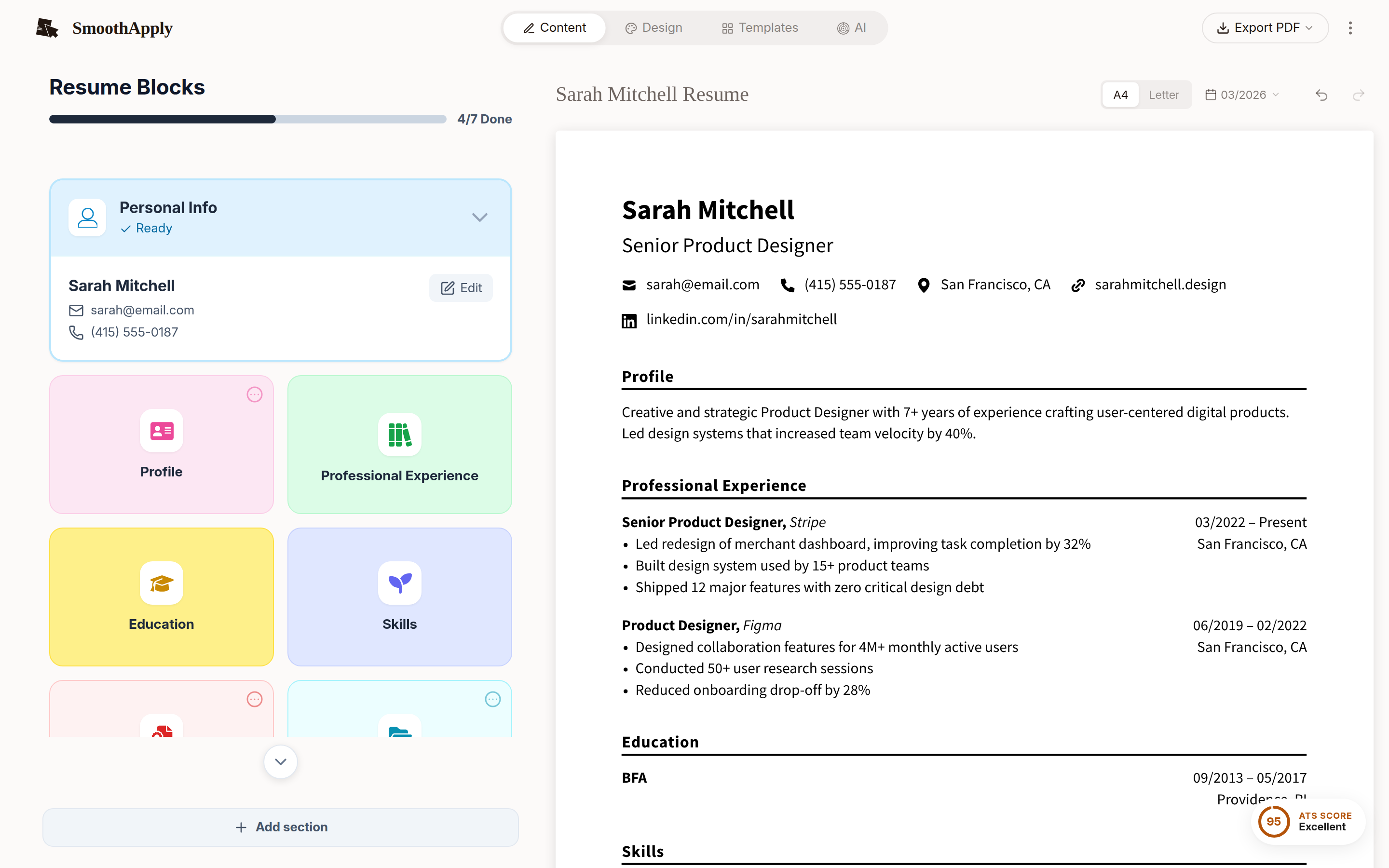
Import the PDF, pick a template, download DOCX. Real paragraphs, headings and lists, not floating text boxes. Free account, no watermark, no card.
Free account to save and download. No credit card. Nothing to cancel.
DOCX
real paragraphs, not text boxes
1
upload, then pick a template
$0
no card, no watermark
The Word file will not be a pixel copy of your PDF. It is a rebuilt document that edits cleanly. Why PDF to Word breaks resumes, and whether to send PDF or Word: the full guide.
1
Import the PDF
The content is extracted into an editor.
2
Check the content and choose a template
Your text is laid out fresh with real paragraphs, headings and lists.
3
Download DOCX
Opens and edits cleanly in Word, Google Docs and LibreOffice.
Get a Word file that actually edits.
Upload the PDF and download DOCX in a minute.
Convert my resume PDFQuick answers
How do I convert a resume PDF to Word without losing the formatting?
You usually cannot, because a PDF stores positions on a page rather than paragraphs, headings and tables, so Word has to guess the structure (as of September 2026, documentformattingservices.com). The reliable route is to extract the content and lay it out again on a clean template. Import the PDF at smoothapply.com/resume-builder/?start=import, pick a template, and download DOCX.
Is this a free PDF to Word converter?
It is a free way to get an editable Word version of your resume. SmoothApply reads the PDF, places the content in an editor, and exports a real DOCX built from paragraphs and styles rather than text boxes. A free account is required to download and save. No watermark, no credit card, and no conversion limit.
Will the Word file look exactly like my PDF?
No, and that is the point. It will look like the template you choose, with your content. If you want the original design preserved pixel for pixel, keep sending the PDF. If you need an editable file that behaves properly in Word, a rebuilt DOCX is the version that will not fall apart when someone edits a line.