Resume to plain text
A plain text resume
A plain text resume
in one click.
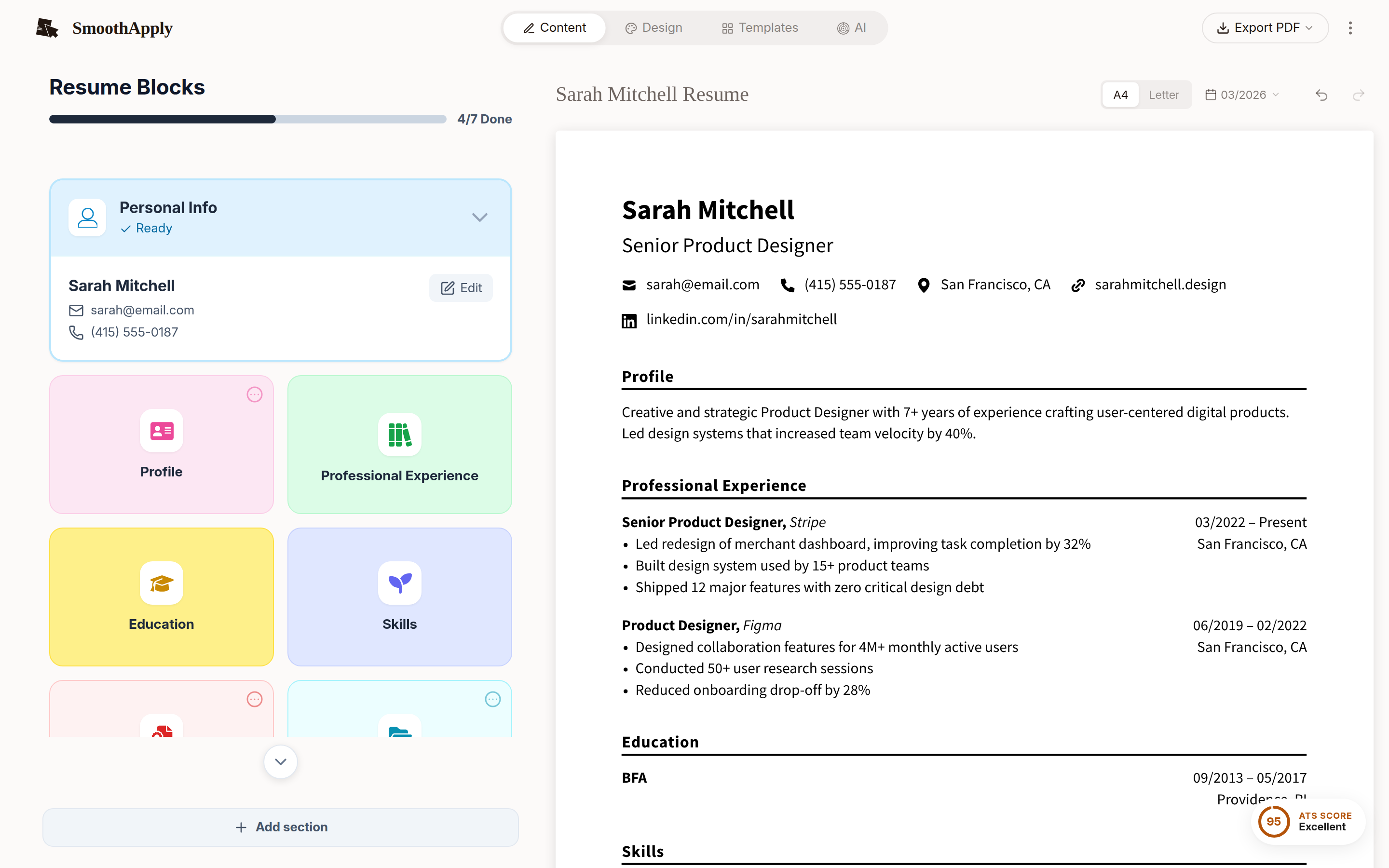
Import or build your resume, choose TXT in the download menu, and paste it into the application box. Capital headings, hyphen bullets, clean spacing.
TXT download works without an account. No card, no watermark.
TXT
one option in the download menu
No account
needed for the TXT export
$0
no card, nothing to cancel
Plain text is not a style choice. Certain application systems require it, and a formatted file pasted into them turns into broken spacing. When you need it and how to format it: the full guide.
1
Get your resume into the builder
Import a PDF or Word file, or build one from a template or an example.
2
Download TXT
Capital headings, hyphen bullets and blank lines between sections.
3
Paste it into the application box
Or attach the .txt file if the form asks for one.
Quick answers
When do I need a plain text resume?
Whenever an application gives you a box that says paste your resume here, when a form asks for a .txt file, and when you put your resume in the body of an email. Career sites and older applicant tracking systems still use paste fields, and a Word or PDF document loses its formatting the moment it hits that box, as one plain text guide puts it (as of September 2026, jobalign.app).
How do I convert my resume to plain text?
Import it or build it in SmoothApply, then choose Download TXT. The export writes headings in capitals, uses hyphens for bullets, and keeps blank lines between sections so it pastes cleanly. TXT export works without an account. PDF and DOCX downloads need a free account.
Is a plain text resume a red flag?
Not when the employer asked for it. Recruiters see plain text every day in paste fields and email bodies. It only looks odd as an attachment when a PDF was expected, so send PDF for attachments and plain text where the form demands it.