Free cover letter builder
A cover letter that
A cover letter that
matches your resume.
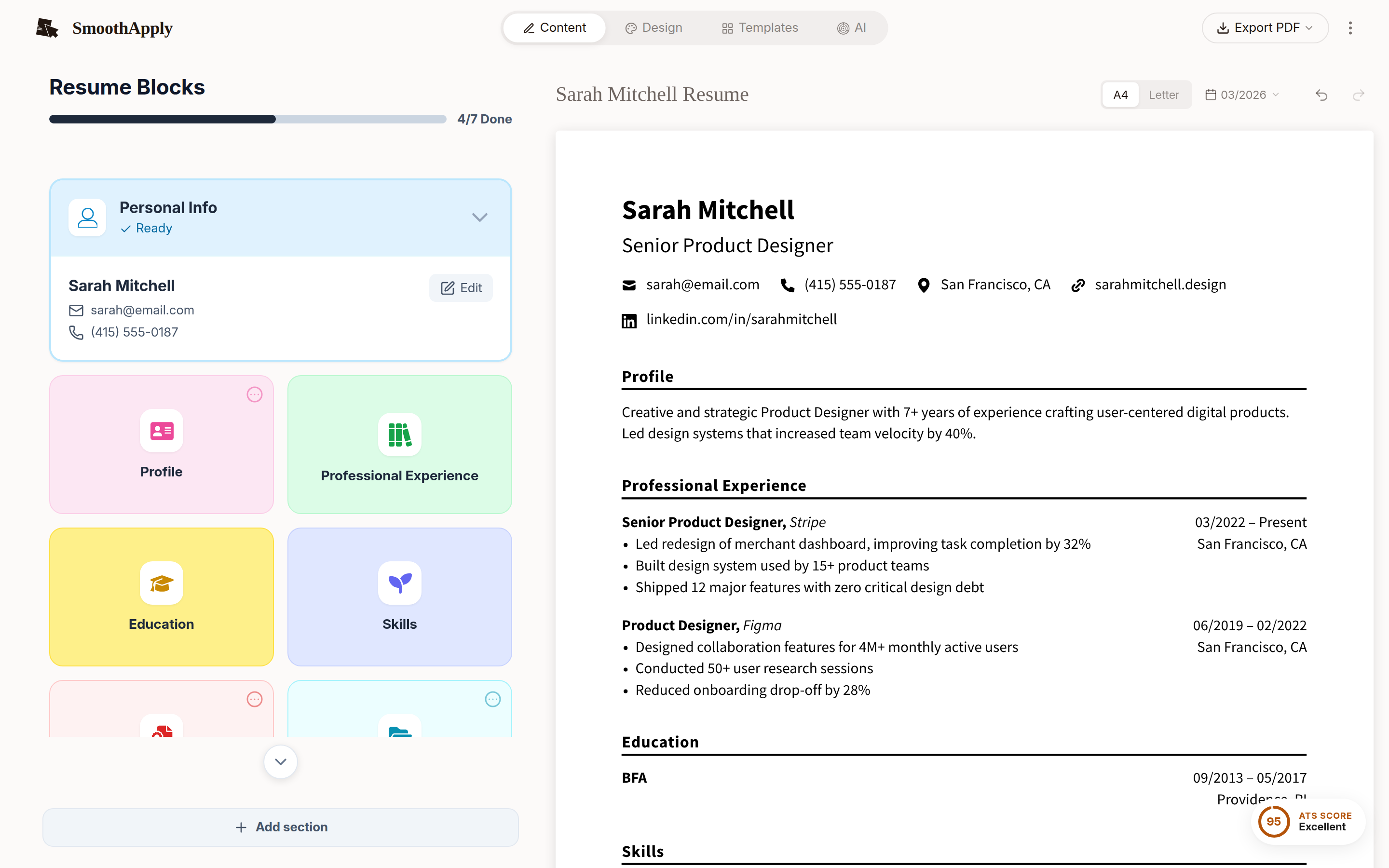
Write it in the same builder, with the same template, fonts and colors as your resume. Export PDF or Word free, with no watermark and no card.
Free account to save and download. No credit card. Nothing to cancel.
PDF + Word
export, no watermark
25
free AI credits for the letter or the resume
$0
no card, no expiry
Unlimited AI is the only paid feature, at $2.95 for 14 days then $19.95 a month. A letter you write yourself never touches it. See pricing or read the full guide to structure, matching and AI.
1
Open cover letter mode
It sits inside the resume builder, next to your resume.
2
Write it, or draft it with AI
Paste the job posting and use a credit, or type it yourself.
3
Export PDF or Word
Same template as your resume, same free download.
Resume and letter, one look.
Open the builder and start the letter in cover letter mode.
Write my cover letterQuick answers
Is there a free cover letter generator that actually lets you download the file?
Yes. SmoothApply's cover letter builder is part of the $0 plan. Sign in with a free account (email only, no credit card) and export the letter as PDF or DOCX as often as you like, with no watermark and no download counter. Every template, font and color is included. The only paid feature is unlimited AI, and a letter you write yourself never needs it.
Do I need to sign up to use a free cover letter builder?
On SmoothApply, yes. Cover letter mode needs a free account so the letter can be saved and exported. Signing up takes an email address; there is no credit card field and no trial that turns into a subscription. You can try the resume builder without an account, but saving and downloading either document requires signing in.
Can I download my cover letter as a Word document for free?
Yes. Cover letters export as DOCX and as PDF on the free plan, unlimited and without a watermark. Send the PDF when you want the layout to look the same on every device, and the DOCX when an employer or recruiter specifically asks for a Word file. Both come from the same saved letter, so you never need to convert one into the other.