LinkedIn to resume
Your LinkedIn profile,
Your LinkedIn profile,
as a real resume.
Save your profile to PDF on LinkedIn, import it here, pick a template, and download PDF or Word. Free account, no watermark, no card.
Free account to save and download. No credit card. Nothing to cancel.
Save to PDF
under More on your LinkedIn profile
PDF + Word
out the other end
$0
no card, no watermark
Your LinkedIn PDF is a profile, not a resume. Two or three edits turn it into one. Which edits, and why the Save to PDF button is sometimes missing: the full guide.
1
Export your LinkedIn profile to PDF
On desktop, open your profile, click More or Resources, then Save to PDF.
2
Import the PDF into SmoothApply
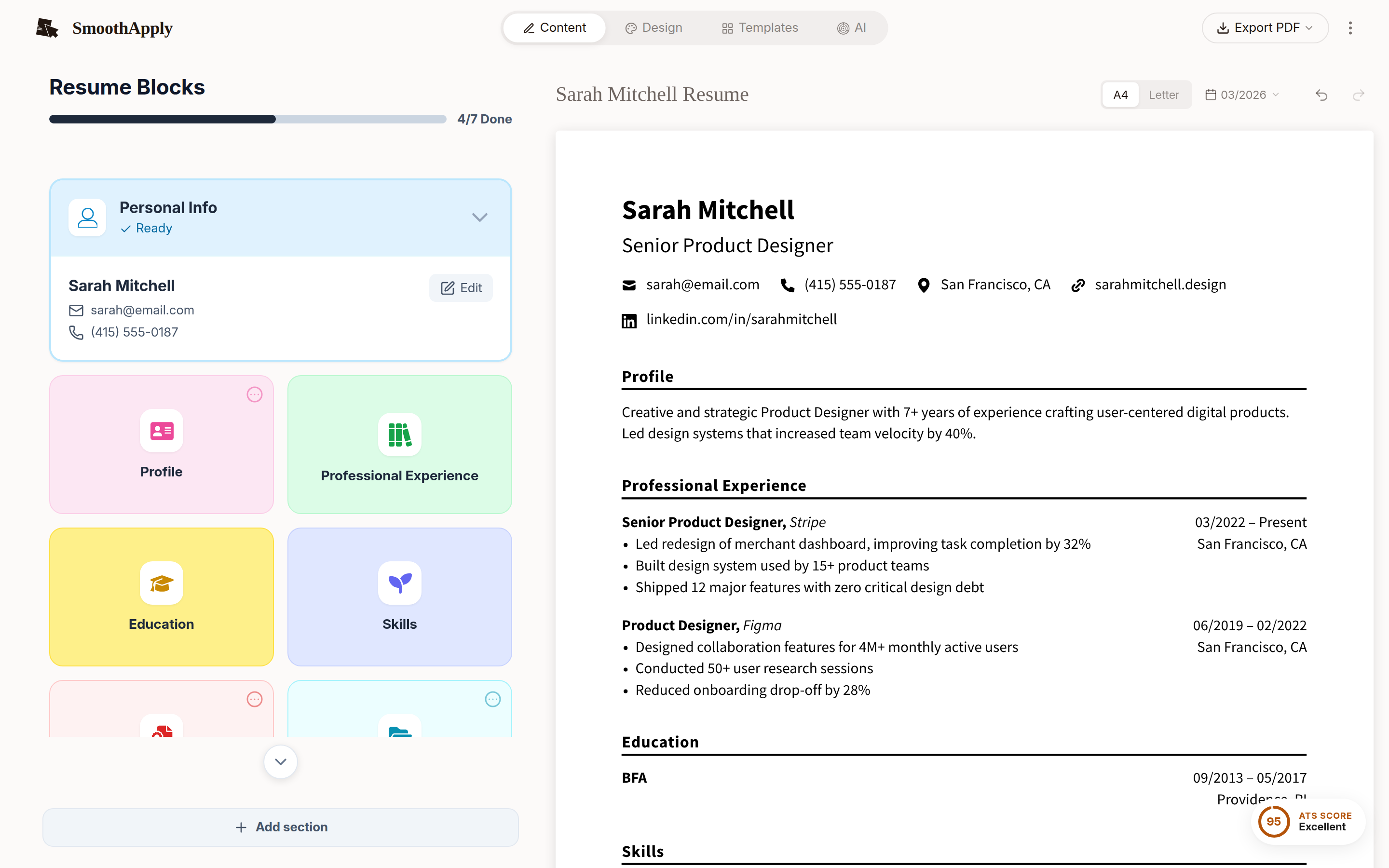
Name, contact details, experience, education and skills land in the editor.
3
Pick a template and download
Fix anything the LinkedIn layout scrambled, then download PDF or DOCX.
Two minutes from profile to resume.
Upload the PDF LinkedIn gave you and pick a template.
Import my LinkedIn PDFQuick answers
How do I download my LinkedIn profile as a PDF?
On a desktop browser, click the Me icon at the top of your LinkedIn homepage, choose View profile, click More or Resources in the introduction section under your photo and headline, then select Save to PDF. As of September 2026 these are the steps in LinkedIn's help article Save a profile as a PDF. The feature is not in the mobile app, so use a laptop or desktop computer.
Why is the Save to PDF button missing from my LinkedIn profile?
Check three things from LinkedIn's help article as of September 2026 (linkedin.com/help): you are on the desktop site rather than the mobile app, your profile and your language setting are both in English, and you have not reached the limit of 200 PDF downloads in the month. The button label also varies between More and Resources. The feature was removed for many accounts in July 2025 and returned in waves, as tracked in a July 8, 2025 post by Bob Woods and in r/linkedin threads.
Is there a free tool that turns a LinkedIn profile into a resume?
Yes. SmoothApply imports the LinkedIn PDF at smoothapply.com/resume-builder/?start=import, fills in your name, contact details, experience, education and skills, and lets you download the finished resume as PDF, DOCX or TXT with no watermark. Editing needs no account, and downloading needs a free account with no credit card. All 93 templates, the cover letter builder and the job application tracker are on the free plan; the paid plan only adds unlimited AI.